The firewall you can see.
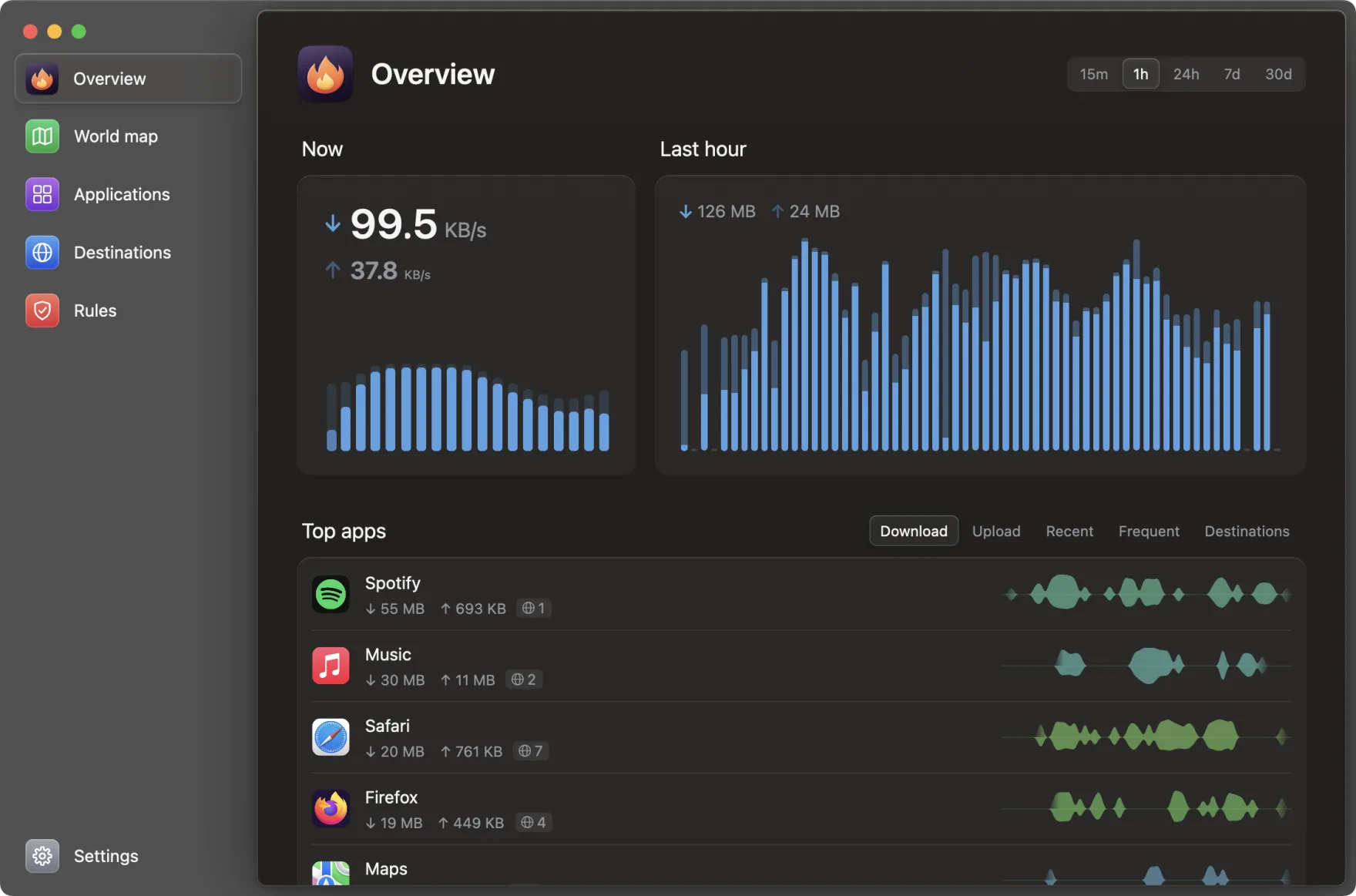
Fireling shows you every connection your Mac makes, and lets you block the ones you don't want.
 Fireling
 shows you every connection your Mac makes, and lets you block the ones you don't want.
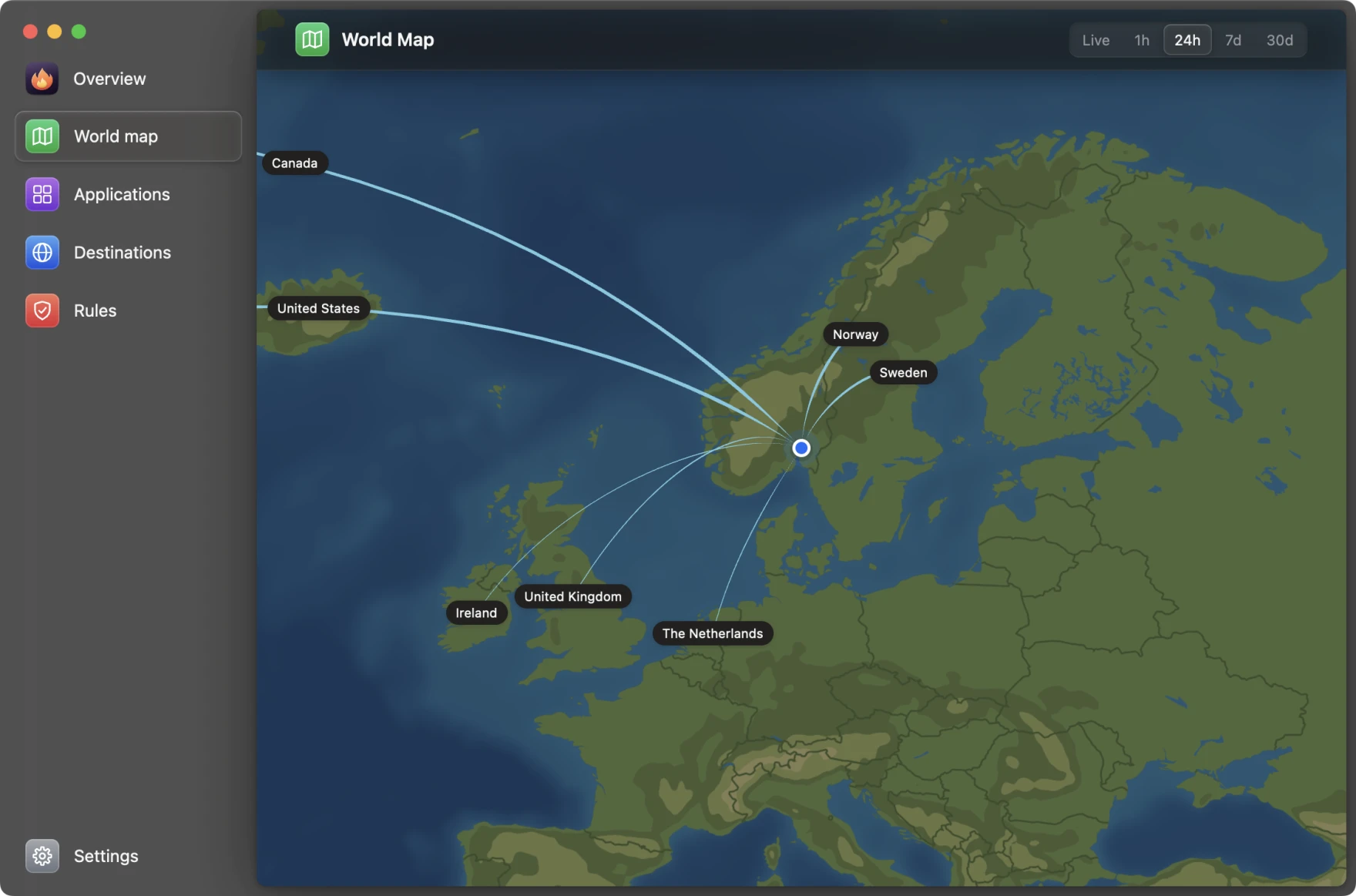
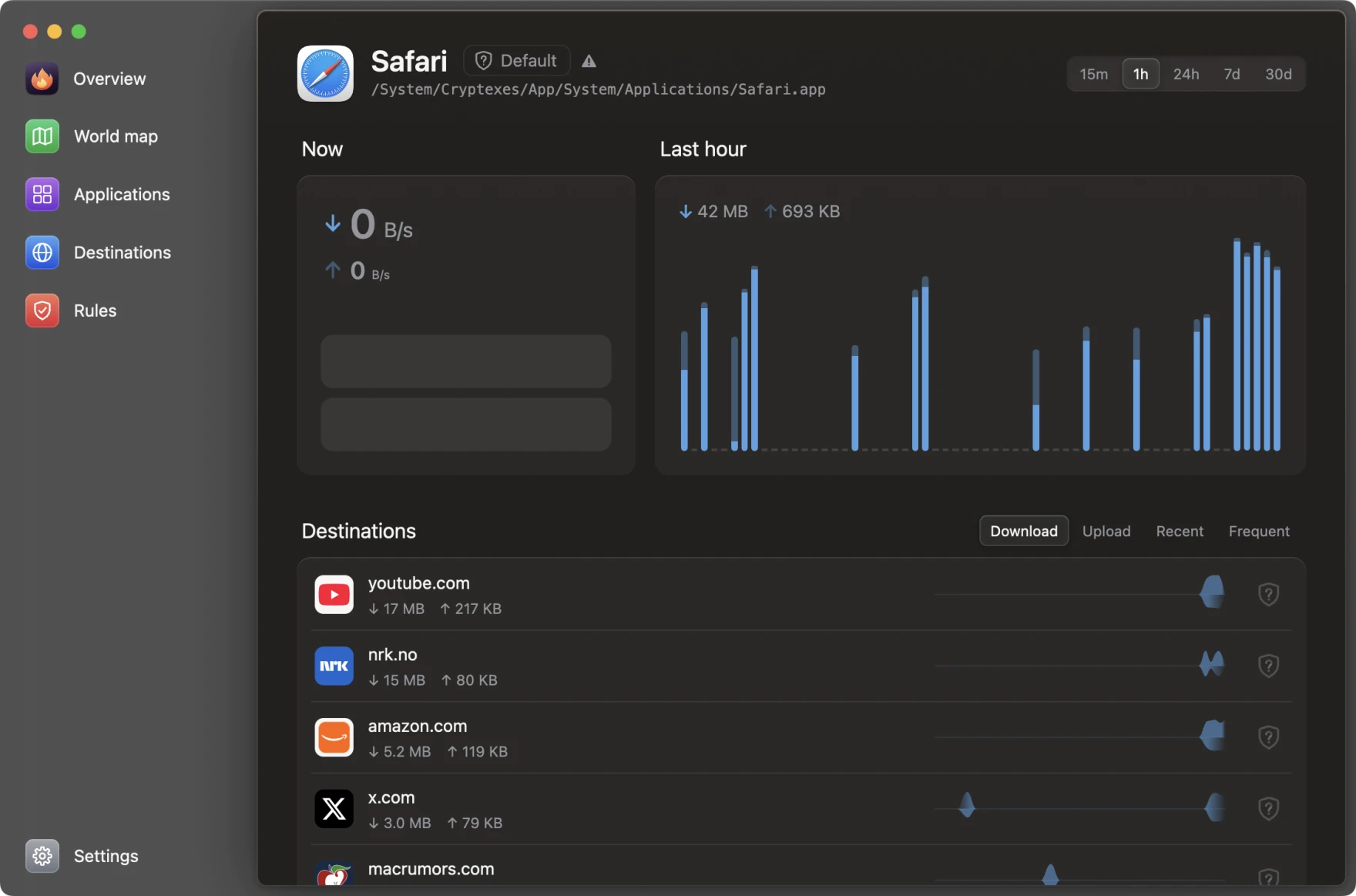
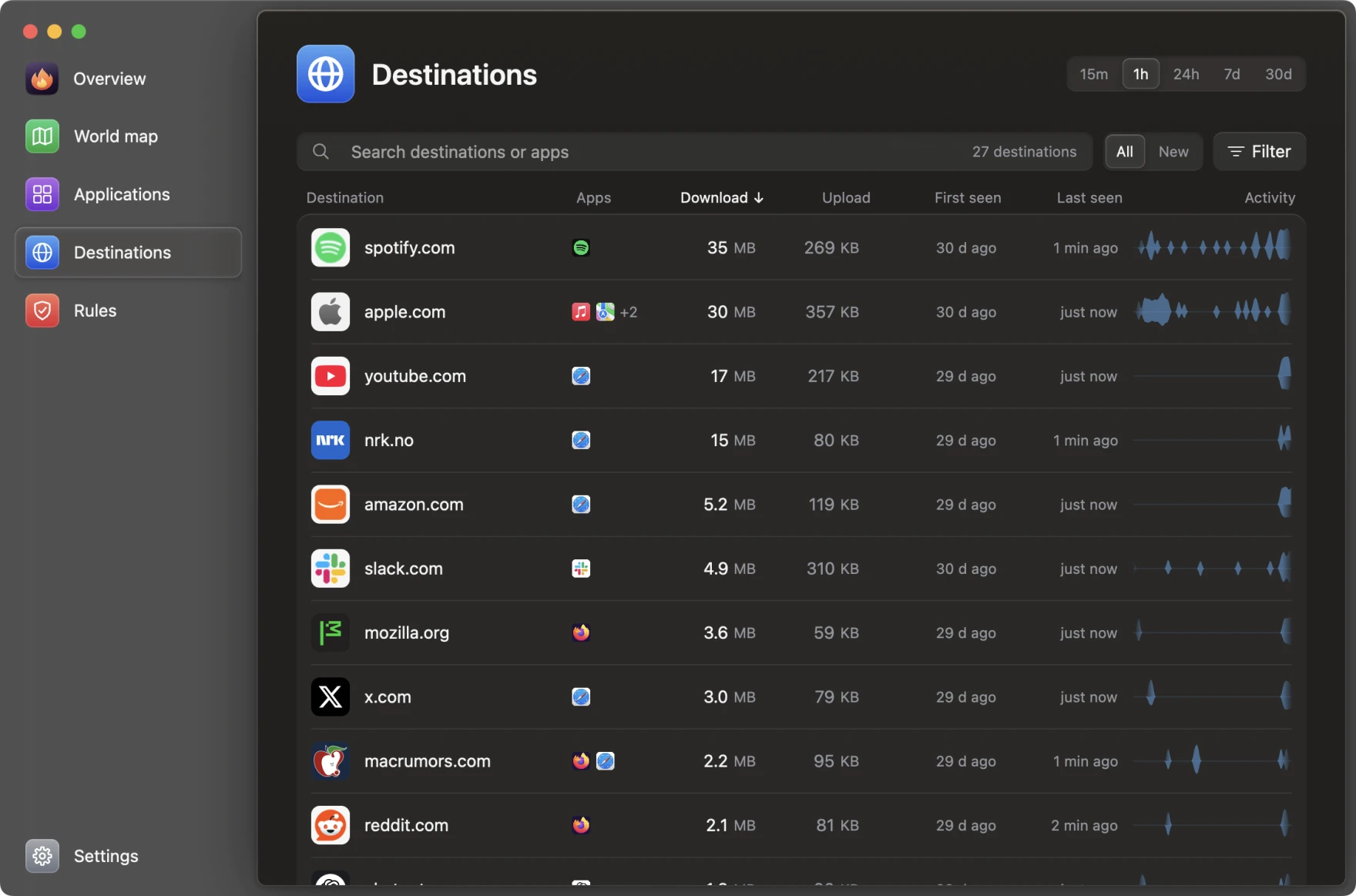
See which apps use the internet, which sites they connect to, and how much data they send and receive.
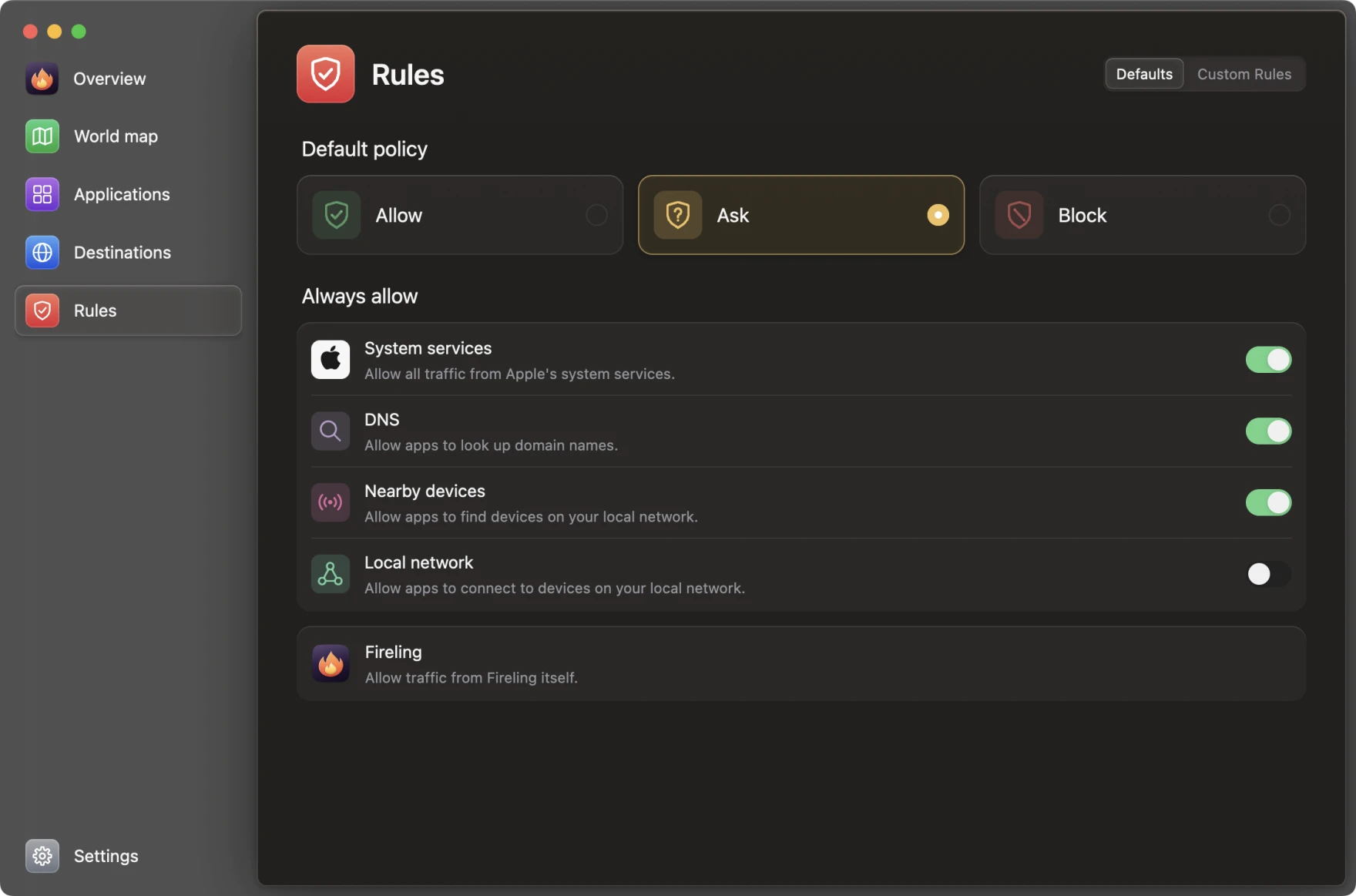
Block suspicious traffic by default, and get prompted when an app attempts to connect to an unknown website.
/Applications/Safari.app
Easily block specific connections, websites or entire apps with simple rules.
 Safariyoutube.comyoutube.comAllowedBlocked
 MessagesLocal networkLocal networkAllowed
 MusicEverythingEverythingAllowed
 PhotosEverythingEverythingBlocked
Fireling is coming soon to macOS.